Independent buildReact Native / iOS + AndroidIn development
+
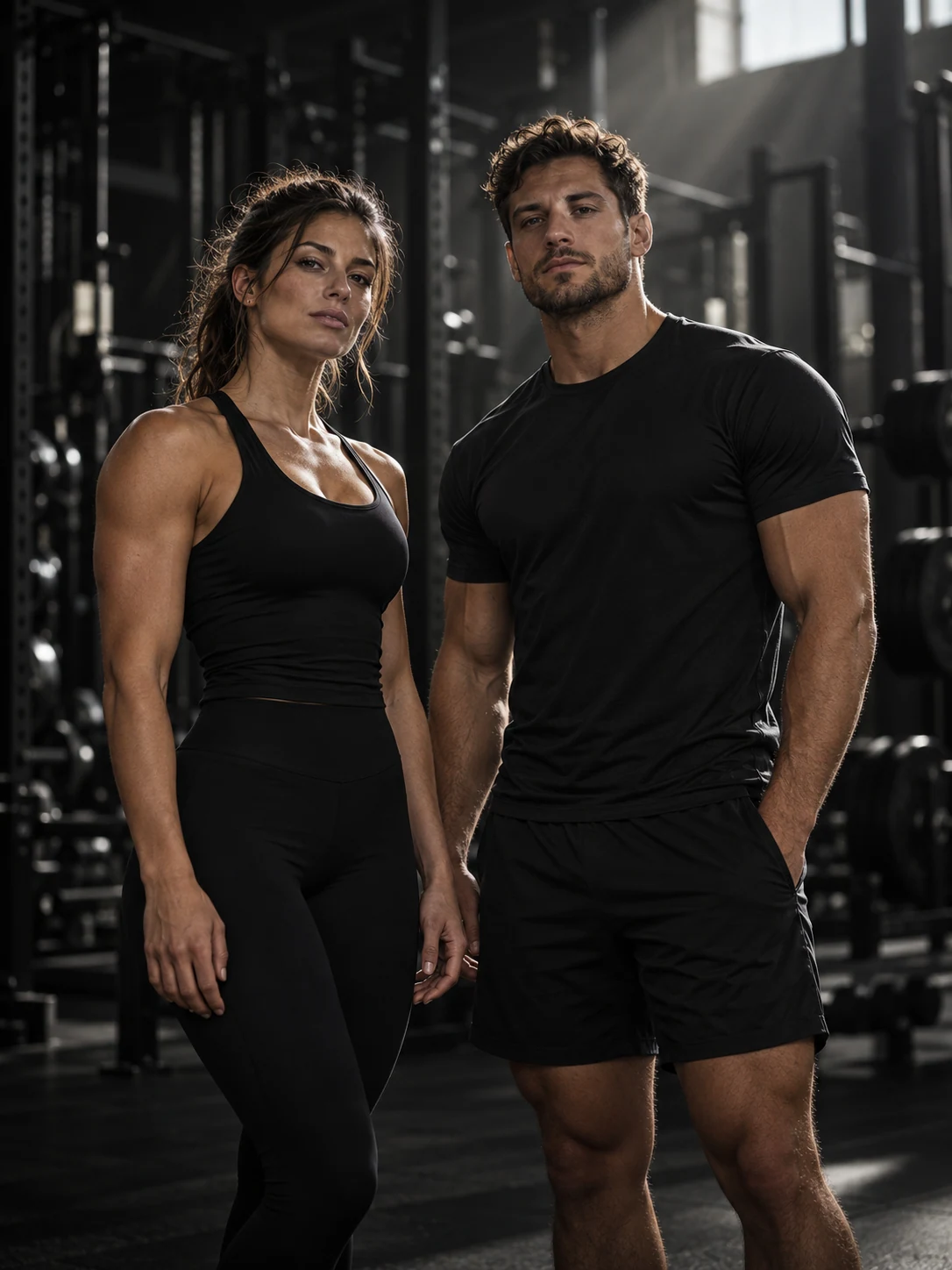
Original app welcome artwork / Product in development
The mission / Coaching within reach
A PLAN. AND A WAY FORWARD.
I want more people to have guidance that fits their goals, their routine and their budget. RYS is my attempt to connect the pieces of personal fitness coaching in one place.
Affordable access is the goal behind the build.
01 / Training
A plan that starts with you.
Your goals, experience, schedule and equipment shape the training plan. Logging your sessions gives the next review something concrete to work with.
Training plans with personal context
Planned sets and previous performance
Progression suggestions to review
Plan / Train / Review02 / Nutrition
Food is part of the picture.
Nutrition targets, meal planning and food logging sit alongside training. The aim is a routine you can follow through an ordinary day.
Meals with foods, quantities and nutrients
Preferences and everyday routines
Shopping lists and meal prep
Targets / Meals / Daily entries03 / Progress
See the pattern over time.
Workout history, weight trends and check-ins bring your routine into view. That context helps make reviews and possible adjustments more useful.
Weight and recorded strength trends
Daily and weekly check-ins
Your own progress photos
History / Trends / Check-ins04 / AI coaching
Guidance between sessions.
Adrian and Mira are RYS's AI coaches. I'm building them around the context of your plan, your questions and the progress you've actually recorded.
Training and nutrition questions
Guidance from available account context
Coaching suggestions with a reason
Questions / Context / Guidance
The coaching loop I'm building
01Plan
02Log
03Review
04Adjust
Start with a direction. Record what happens. Review the context. Understand and confirm the next change.
A next step with a reason
CHANGES YOU CAN UNDERSTAND.
When enough history supports a nutrition adjustment, the coaching flow can show how a proposed calorie change affects quantities in the existing meal plan. You review the proposal before accepting it.
The goal is ongoing, understandable coaching.
Making the routine easier to keep
Less tapping. More training.
Coaching also has to fit the moment. Between sets, after a meal, in the middle of a day—small entries can become a lot of interaction. Voice and native controls are how I'm working on making those moments lighter.
01 / Voice input
SAY IT. KEEP MOVING.
Voice is part of the product's interaction design: turn a spoken entry into something you can check, then save with a tap.
Implemented in the app / Workout voice awaiting device validation
Interaction studyIllustrative transcript
“80 kilos for 8.”
Set entry
80kg×8reps
Review → Tap to save
A visual explanation of the flow. This portfolio does not record audio.
During training
Sets and workout commands: the next exercise, a rest timer, or an entry to review.
Outside training
Food, weight, water and sleep have their own voice flows. Unclear food matches ask for a choice.
On-device recognition
The speech adapter uses on-device recognition on supported devices and languages, with audio persistence disabled.
A deliberate finish
The spoken entry prepares the details. A tap is the final step before saving.
02 / iOS Action Button
ONE BUTTON. BACK TO THE SET.
A physical entry point for a moment that happens again and again: logging a set during a workout.
I've also implemented a native Quick Settings tile and app shortcut. The Android module has been compiled and opened in an emulator; physical-phone testing is still ahead.
03 / Under the surface
FROM IDEA. TO SYSTEM.
A native app, a connected backend and a lot of iteration. The tools support the experience I'm trying to build.
01
React Native
Mobile / Expo
An Expo app for iOS and Android, connecting training, nutrition and progress.
02
TypeScript
Application logic
Typed interfaces across the app and its interactions.
03
Railway
Backend services
Infrastructure behind the product.
04
Supabase
Data & identity
The data and authentication layer.
Swift / App Intents / WidgetKit Kotlin / Quick Settings Native controls → Shared TypeScript workout state
Design principle / Pseudocode</>
input → context context → review confirmation → save
Make the next action easier to reach.
Build notes / October 20, 2026
A product. In progress.
The coaching experience / In development
Training, nutrition, progress and AI guidance form the product's direction. New planning and adjustment flows have separate activation and validation stages.
Voice & set logging / Implemented
Speech recognition, structured set parsing and review flows exist in the app. Workout voice stays off by default until its device test gate passes.
iOS controls / Source ready for validation
The native “RYS Set” action and system control are implemented. iOS compilation, the intent handoff and physical-iPhone behavior still need validation.
Android controls / Emulator checked
Quick Settings and the app shortcut have a compiled native counterpart. Physical-phone acceptance is still open.
The bigger picture
Training, nutrition, progress and AI coaching in one product. This is a look inside the build, with more to refine and validate.
Build notes based on the app source reviewed October 20, 2026.